CollectMemory: From a Birthday Idea to a Product
A birthday guest list inspired CollectMemory: a simple way to gather event photos and videos in Google Drive, and my first vibe-coded project.
CollectMemory began with a practical question from my aunt: how could she gather all the photos and videos her birthday guests took without asking everyone to message them to her individually?
It was the kind of small problem that can create a surprising amount of work. Photos end up scattered across chats, people forget to send them, and the host has to chase everyone afterward. We talked through a few possible approaches, and the simplest one became the idea behind CollectMemory: give guests one place to upload their photos and videos, and send everything straight to the host’s Google Drive.
Make it easy for guests
The idea only works if guests will actually use it. Asking everyone to install an app, create an account, or learn a new service would add friction at exactly the wrong moment.
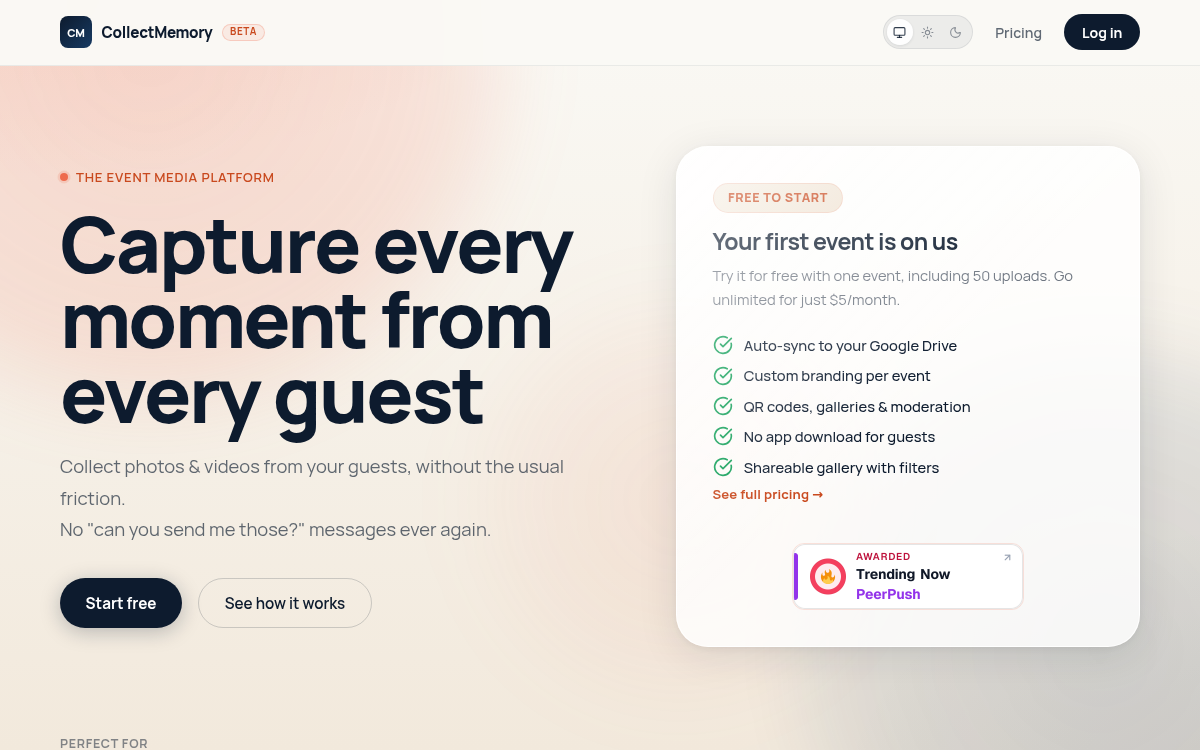
With CollectMemory, the host creates an event and shares its upload link or QR code. Guests open it in their phone browser and upload their photos and videos. The media files are organized in the host’s Google Drive, where they can access and keep them.
That direct-to-Drive part mattered to me. The goal wasn’t to create another place where event memories might live. It was to help people bring those memories together in a place they already use.
Turning the idea into a product
This became my first vibe-coded project. More than 95% of the code was AI-generated.
That’s a striking number, but it doesn’t mean the product appeared from a prompt. I still had to define what the app should do, explore implementation options, connect the pieces, and make decisions about the tech stack and UX. AI helped me move from idea to working software much faster than I could have on my own.
The process also made the work feel different. Instead of spending most of my time writing every line by hand, I spent more time describing the behavior I wanted, reviewing the generated code, and refining it until the pieces worked together.
My experience as a software architect came in handy here. It helped me think through how the system should fit together, plan for future growth, and consider performance from the start. At the same time, keeping my aunt and her guests in mind kept the technical decisions grounded in the real occasion the product was meant to serve.
More than an upload link
As the idea took shape, it became clear that different events would need different looks and workflows. CollectMemory now lets hosts customize their event page with themes, templates, fonts, and a cover image. Hosts can also choose whether uploads need approval before appearing in a public gallery.
Those features support the same original goal: make collecting memories straightforward for guests while giving the host control over how the event is presented and shared.
CollectMemory is also listed on the Google Workspace Marketplace and PeerPush . It’s available at collectmemory.com .
A small problem worth solving
CollectMemory started with one birthday and one request from my aunt. It became a product because the problem was easy to understand: after a good event, people want the photos and videos their guests captured, without turning collection into a project of its own.
That’s the kind of idea I enjoy building: a specific need, a simple path from problem to product, and a chance to use new tools to make the work possible.
If you’re planning an event, you can try CollectMemory at collectmemory.com .
Written by